Global
This section allows you to enable or disable the evallo branding, change the font and the background of your evallo.Chat
This section allows you to customize all the chats components (avatars, bubbles, inputs etc…). Click on the evallo avatar to change the image: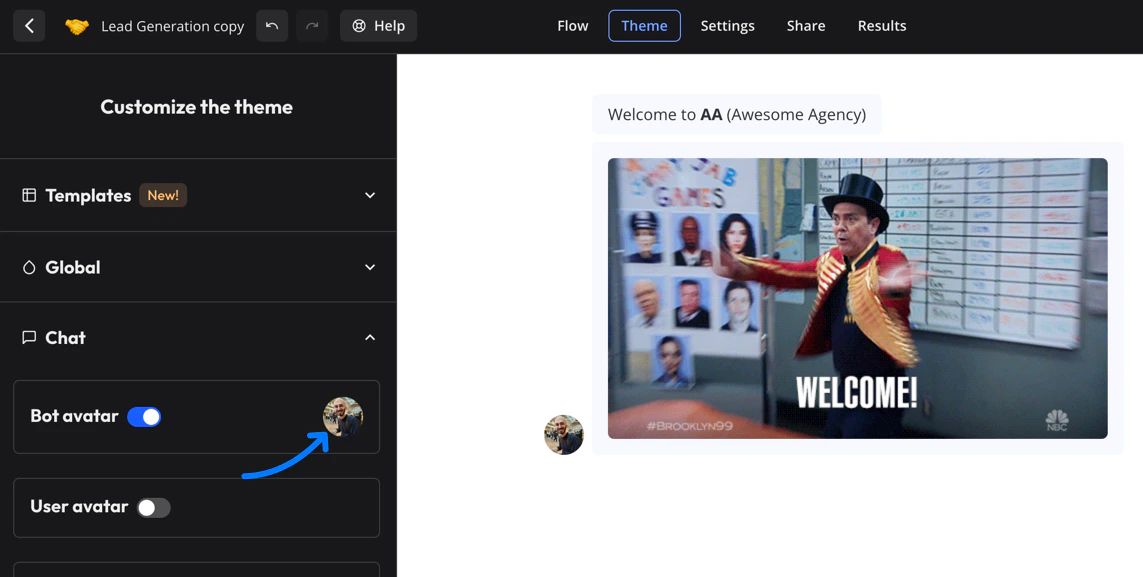
Custom CSS
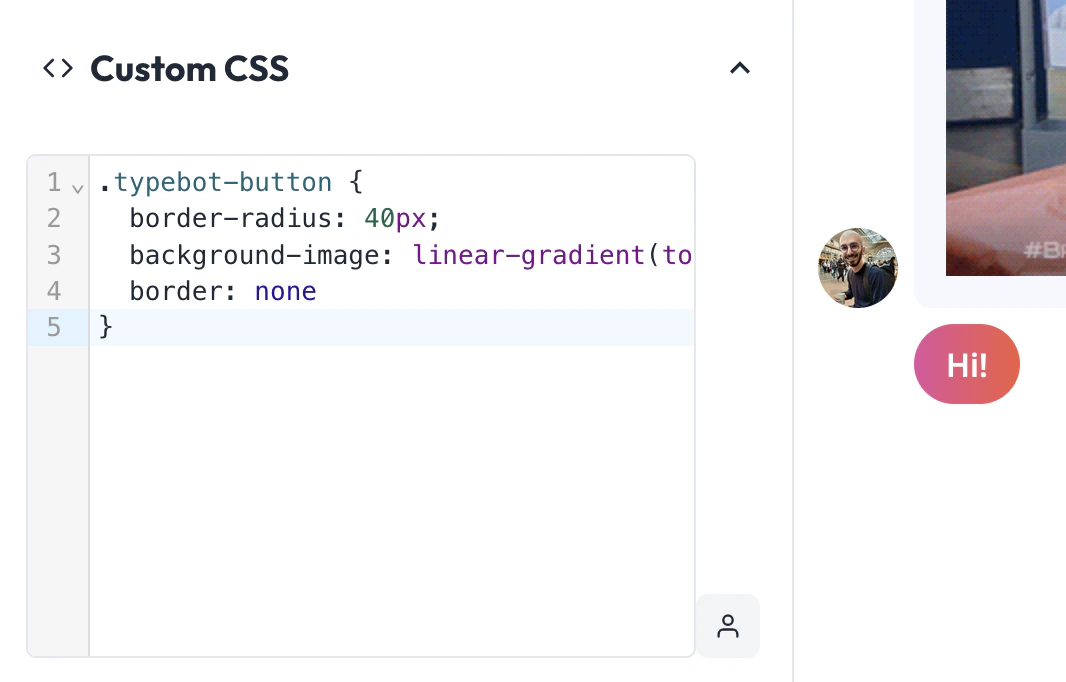
You can also decide to customize even further by adding any custom CSS you want. For this you right-click on the evallo in the Theme page and inspect the element you want to customize: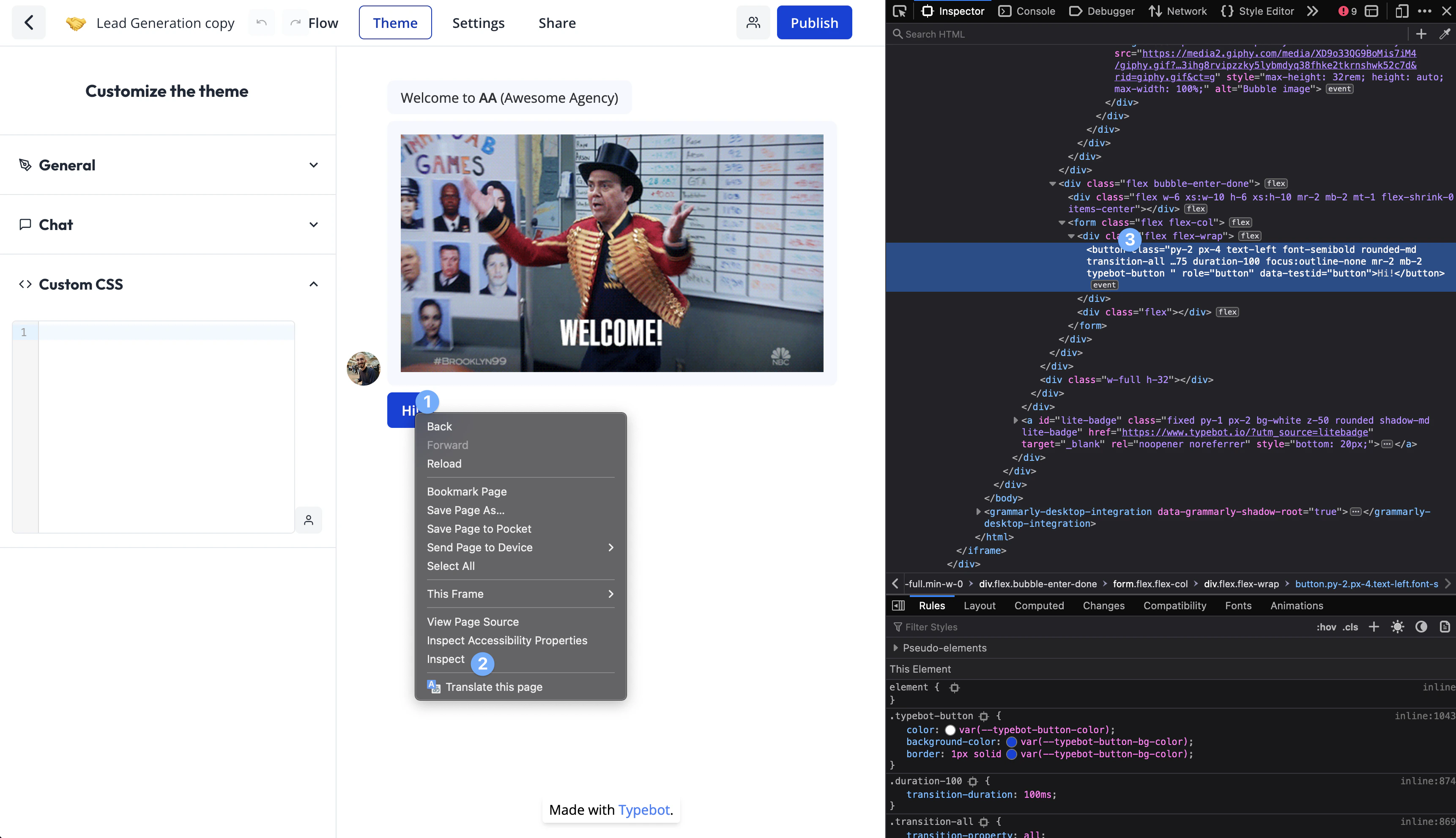
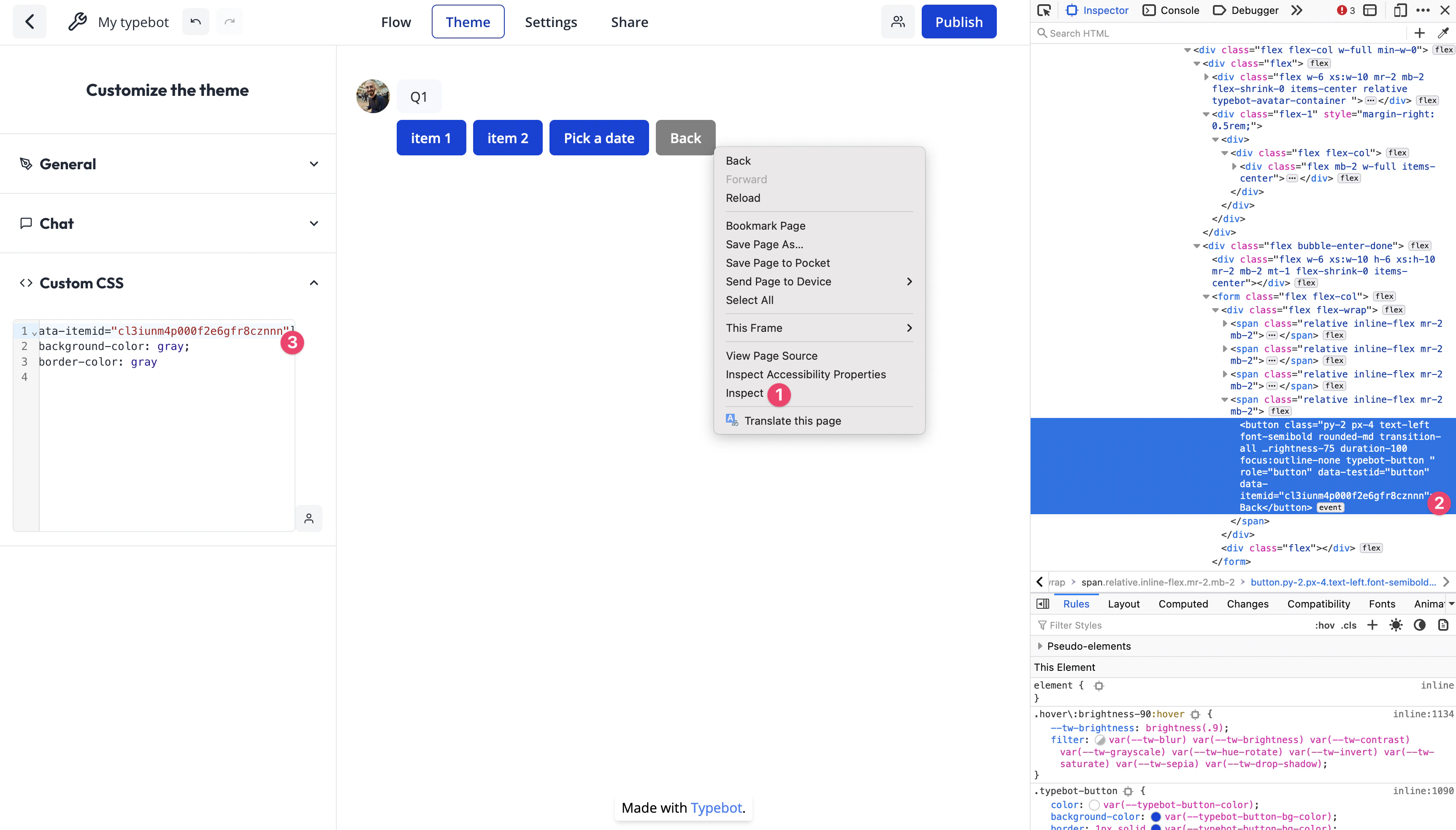
Customize a single button color
Thanks to custom CSS, you can customize the color of a single button for example by using thedata-itemid attribute: