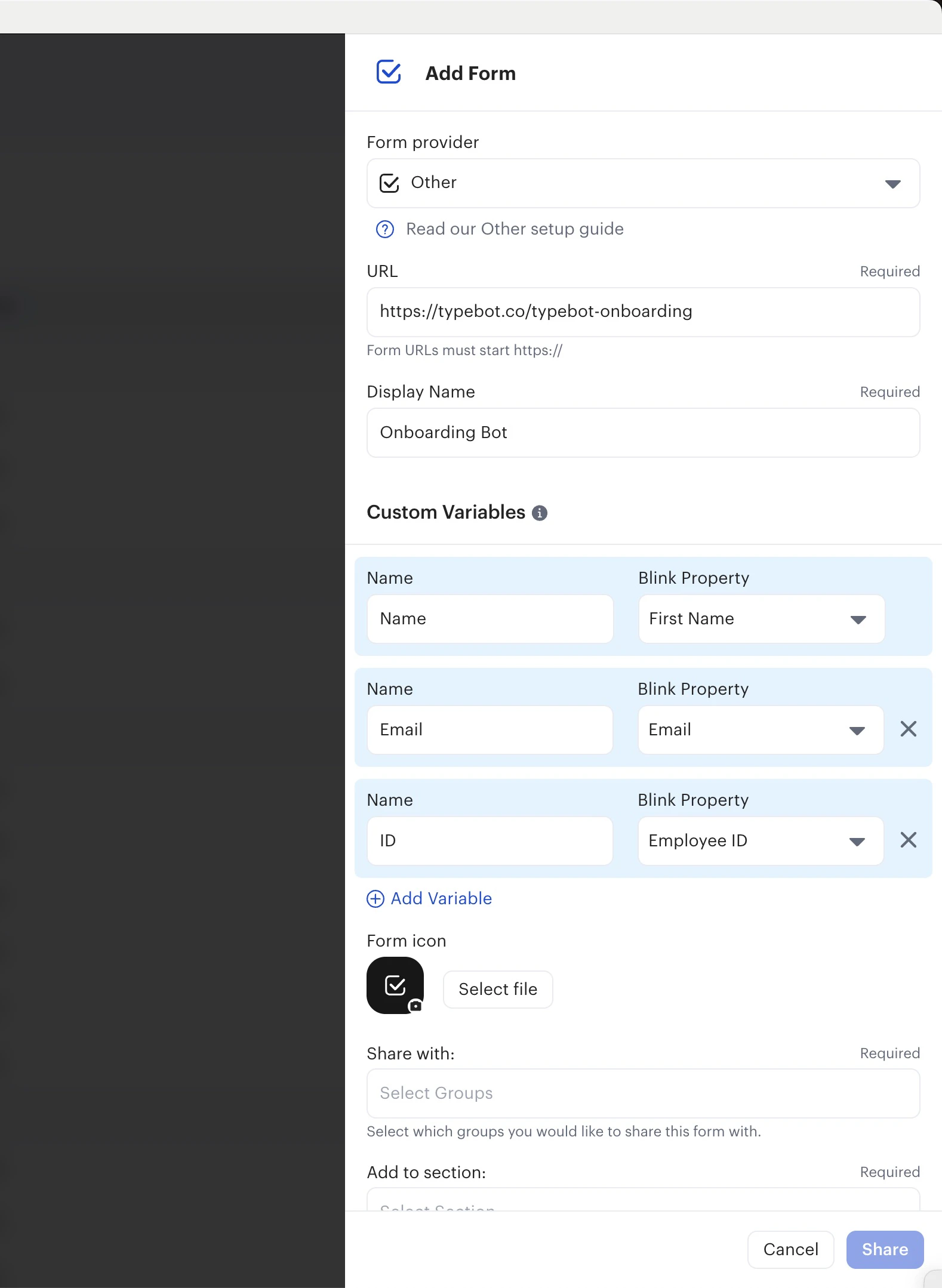
- In the Blink Admin window, head over to
Content Studio > Hub. - Click on the
Add Content > Formbutton. - For the form provider, select
Other. - Paste your evallo URL and customize the look and feel of this new form.
- You can optionally add Custom Variables meaning that you can prefill the variables in your evallo with the respondant’s Blink data. For example you can prefill the
Nameevallo variable with theFirst NameBlink variable.