Evallo Docs home page
Search...
⌘K
Dashboard
Dashboard
Search...
Navigation
Display Nodes
Text
Learn
Guides
Articles
Studio - Build Evallos
Community
Get Started
Welcome
Creating your First Evallo
Flow
Canvas
Nodes
Nodes Overview
Display Nodes
Text
Image
Video
Embed
Audio
Data Collection Nodes
Logic Nodes
Integrations
Variables
Evaluation Categories
Publish
Share
Context menu
Export / Import Evallos
Theme
Overview
Font
Settings
Overview
Remember user
Deploy
Web
API
Results
Overview
Analytics
User
User preferences
Delete account
Credentials
Workspace
Overview
Add members and guests
Subscription
Misc
Help and Support
FAQ
On this page
Insert a link
Display Nodes
Text
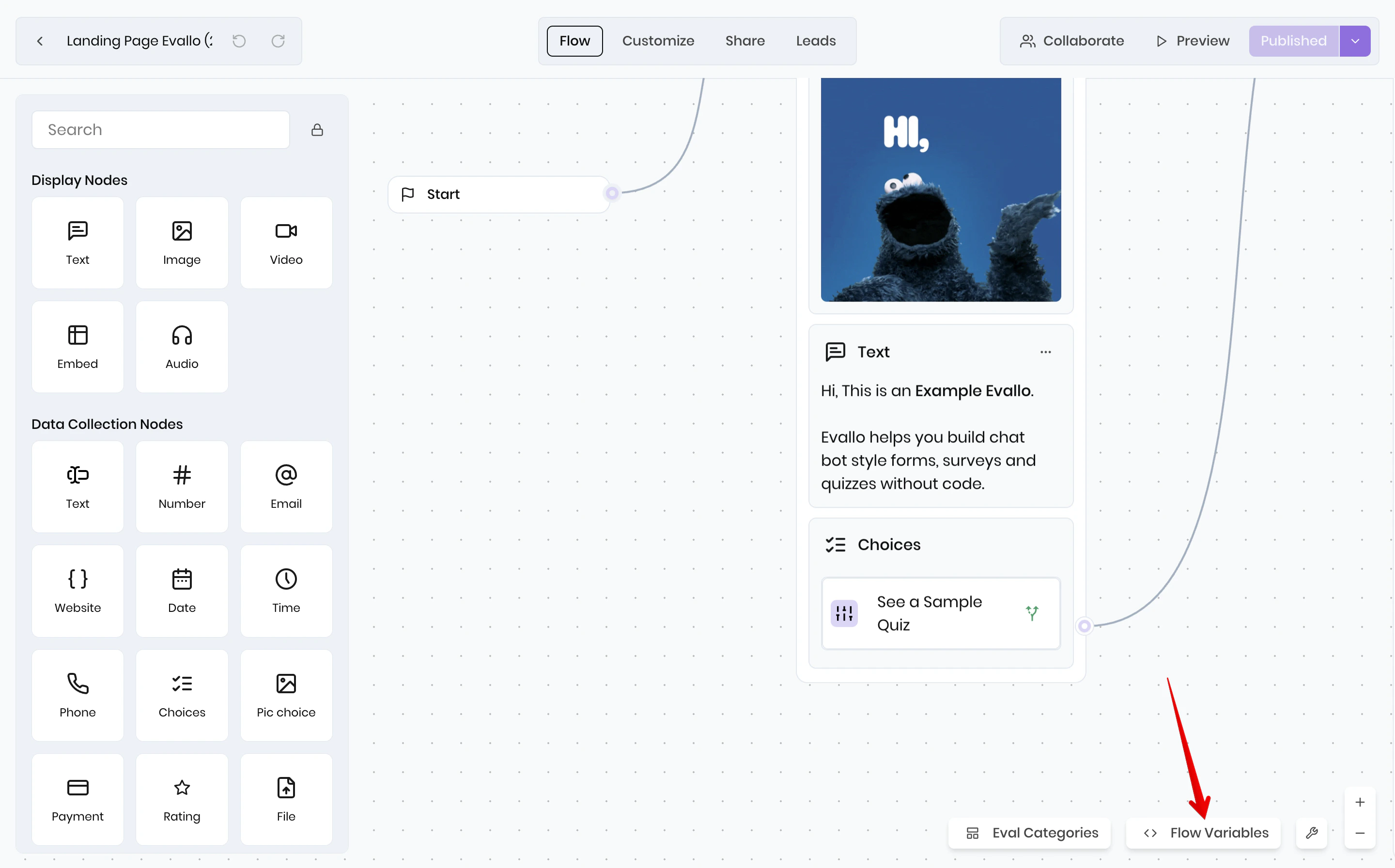
The Text node allows you to display a simple text bubble to your user. They can be chained and it will create a smooth animation:
Flow
Insert a link
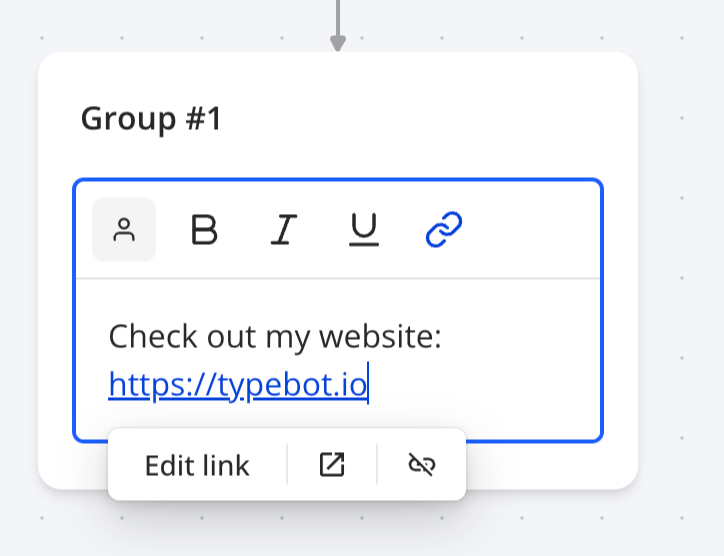
You can insert a link in your text node using the link icon in the editor:
You can insert any links starting with
http:
,
https:
,
mailto:
,
tel:
or
sms:
. It can also be a variable.
Nodes Overview
Image
⌘I